Experimental LSP Toggle
DATAMIMIC includes an optional, per-project Experimental LSP integration. When enabled, the editor can use LSP to provide improved autocomplete, hover/preview assistance, and editor diagnostics.
Experimental feature
Performance and functionality may be incomplete while LSP is still experimental for your project. Enable it at your own risk.
Where to find the toggle
- Open Project → Settings.
- Go to the Experimental Features section (within the Project Settings UI).
- In the LSP card, use the Enable / Disable button.
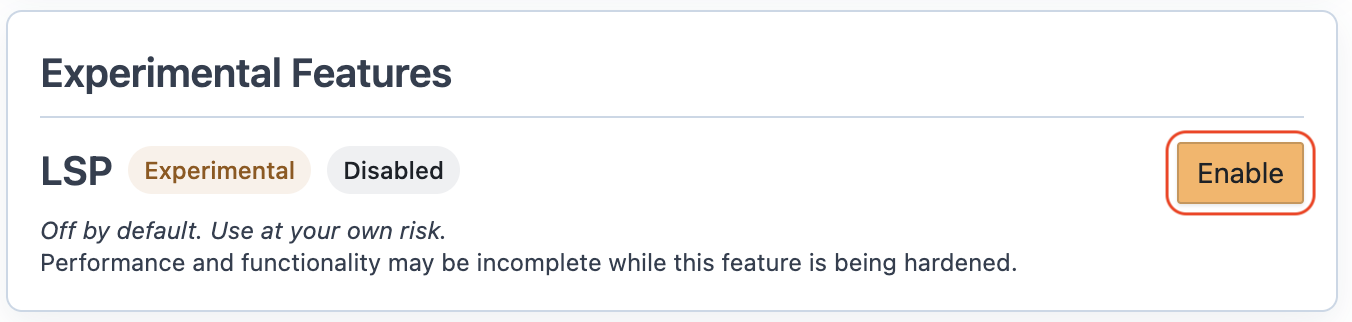
Enable / Disable
When enabling:
- Click Enable in the LSP card.
- In the dialog Enable Experimental LSP, check I understand.
- The Enable LSP button is disabled until the acknowledgement checkbox is checked.
- Click Enable LSP.
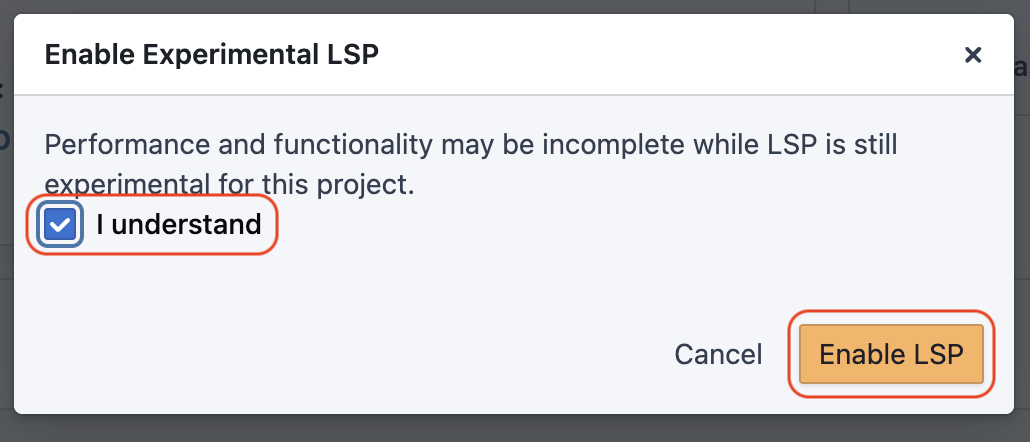
To disable:
- Return to the same LSP card.
- Click Disable.
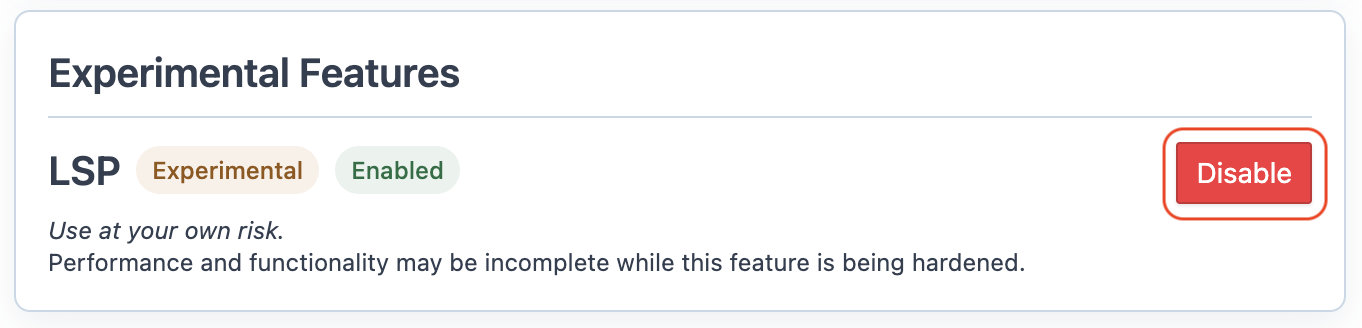
What changes when enabled
- The editor starts an LSP session for the project and keeps it active across file switches inside the editor view.
- LSP assistance is used for XML-like, non-global files (for example
.xmland.template.xml).
For what LSP does in each editor mode, see: Editor: Experimental LSP.