Demo Store
Warning
The current page still doesn't have a translation for this language.
But you can help translating it: Contributing.
The DATAMIMIC Demo Store contains example projects and shared templates covering common features and use cases. Admins can publish any DATAMIMIC project to the Demo Store as a template, so teams can build a shared library of starting points alongside the built-in demos. Below is the Demo Store interface:
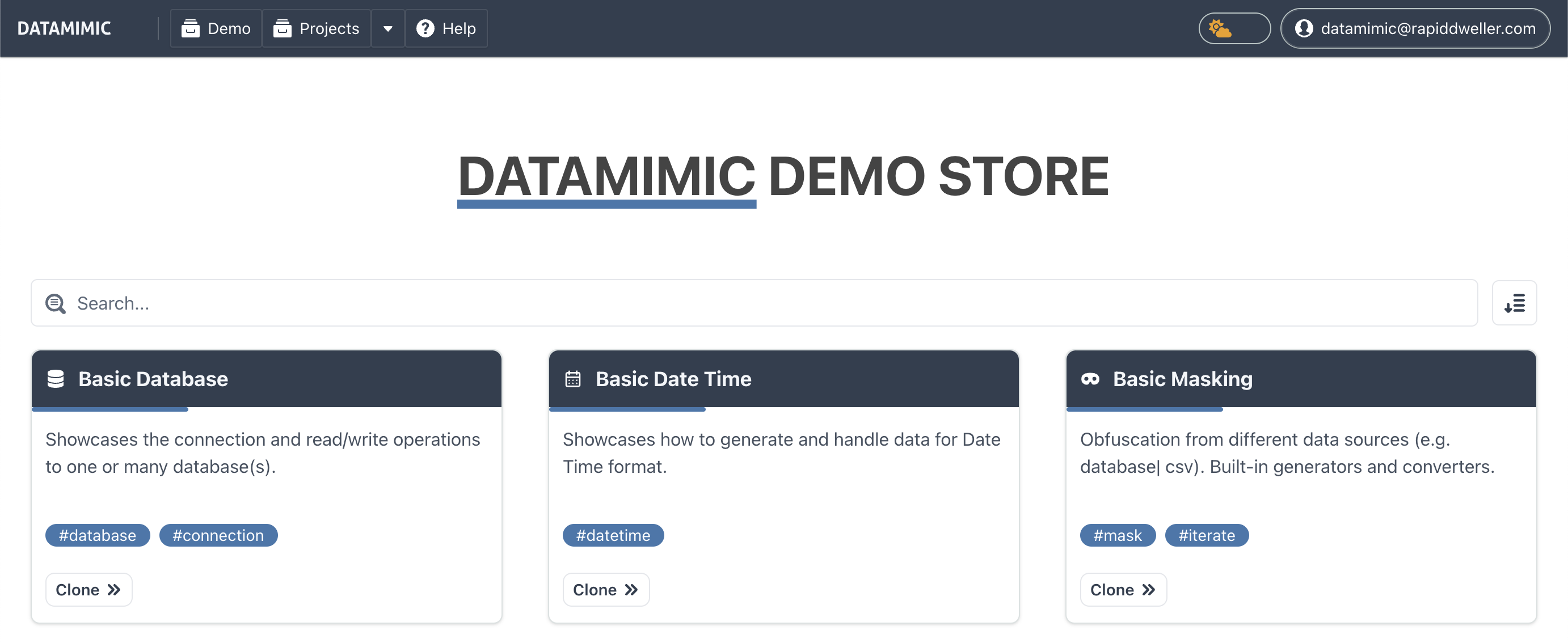
Templates & Demos
The Demo Store provides ready-to-clone projects for common use cases. Two sources feed it:
- Built-in demos shipped with DATAMIMIC, illustrating specific features.
- Admin-published templates — admins can promote any existing DATAMIMIC project to a template so other users in the instance can clone it as a starting point.
Use either as a starting point for new projects or as a reference for specific DATAMIMIC features.
What Can Be Done with the Demos
Click a tile or the Clone button to copy the selected project into your user context. Most demos and templates run as-is and illustrate how the corresponding DATAMIMIC features are used.
Accessing the Demo Store
To access the Demo Store:
- Click Demo Store in the left navigation sidebar.
- Browse through the available demos and select the one that fits your needs.
The Demo Store also appears immediately after login.