Help Menu
The Help Menu provides access to built-in documentation and contact options for support.
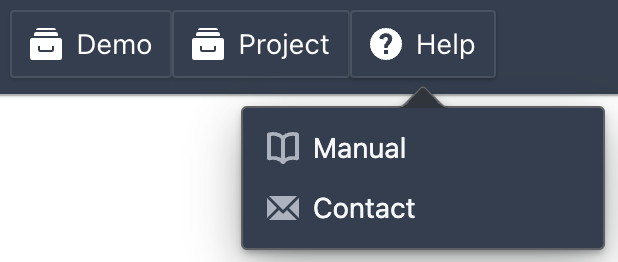
Accessing the Help Menu
The Help Menu can be accessed from the bottom of the navigation sidebar. Click Help to open the menu and select an option.
Features
Built-in Documentation
- Manual: The full DATAMIMIC manual, with instructions, best practices, and troubleshooting tips.
- Open Source Libraries: View the list of open source libraries and licenses used in DATAMIMIC. Each entry includes the library name, version, and license type so you can review compliance details. You can copy the list of package names and versions, or follow the external link for each entry to read its full license text.
Contact Options
- Contact: Provides options to reach the rapiddweller team for support. You can create support tickets, ask questions, and get help with any issues you encounter while using DATAMIMIC.
About
- About: Shows the DATAMIMIC, React, and Python version numbers, with a copy-to-clipboard action, useful when reporting an issue or confirming what version is deployed.
Guided Tours
- Guided Tours: Lists the interactive walkthroughs available for the page you're on, such as the first-run data generation tour. Only shown when at least one tour is available.