Login
To access the DATAMIMIC platform, you need to log in with your credentials. Below is the login interface:
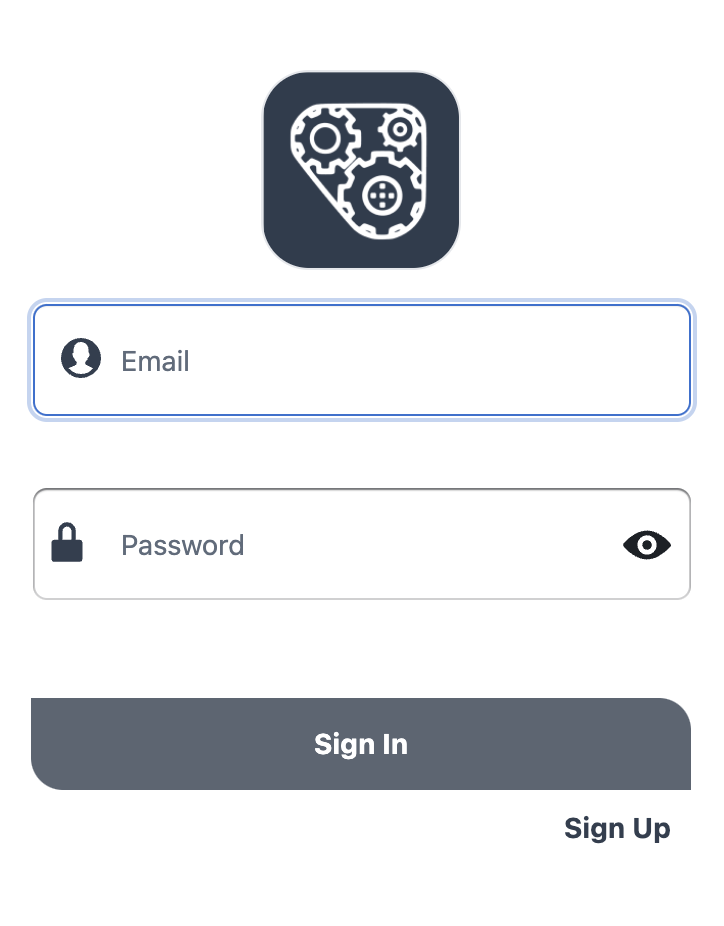
Steps to Log In
- Enter your email address: Input your registered email address in the "Email" field.
- Enter your password: Type your password in the "Password" field. If you want to see the password you are typing, click the eye icon next to the password field.
- Sign In: Click the "Sign In" button to access your account.
Additional Options
- Sign Up: If you do not have an account, click the "Sign Up" link to create a new account.
Note
Sign-up might not be available on certain on-premise installations. In such cases, accounts need to be created by the DATAMIMIC administrator.
Troubleshooting
On-Premise Installations
For on-premise installations of DATAMIMIC:
- The sign-up option might not be available. In this case, accounts need to be created by the DATAMIMIC administrator.
SaaS Trial
For a SaaS DATAMIMIC trial, users will need to be signed up by our rapiddweller team first. Please visit our contact page to get started with your trial.
If you encounter any issues during the login process, please contact our support team for help.